3.12 Corners and closed regions
A corner is a coincidence, not a link. Two endpoints within a millimetre of each other are one corner: drag it and every line attached follows. Nothing records that they are joined — snapping makes the coincidence exact on every commit — so there is no connection to create and nothing to go stale after an undo. It is the rule cable trays already live by (§9.1), at drawing precision.
A rectangle’s and a circle’s handles are grips rather than corners: dragging one resizes the shape and keeps it that shape. That is also the one place a click can surprise you — a handle takes the click ahead of the curve it belongs to, and a circle’s grip sits on its rim, so select a circle by clicking the rim somewhere else. Selecting a real corner offers a radius, which rounds it.
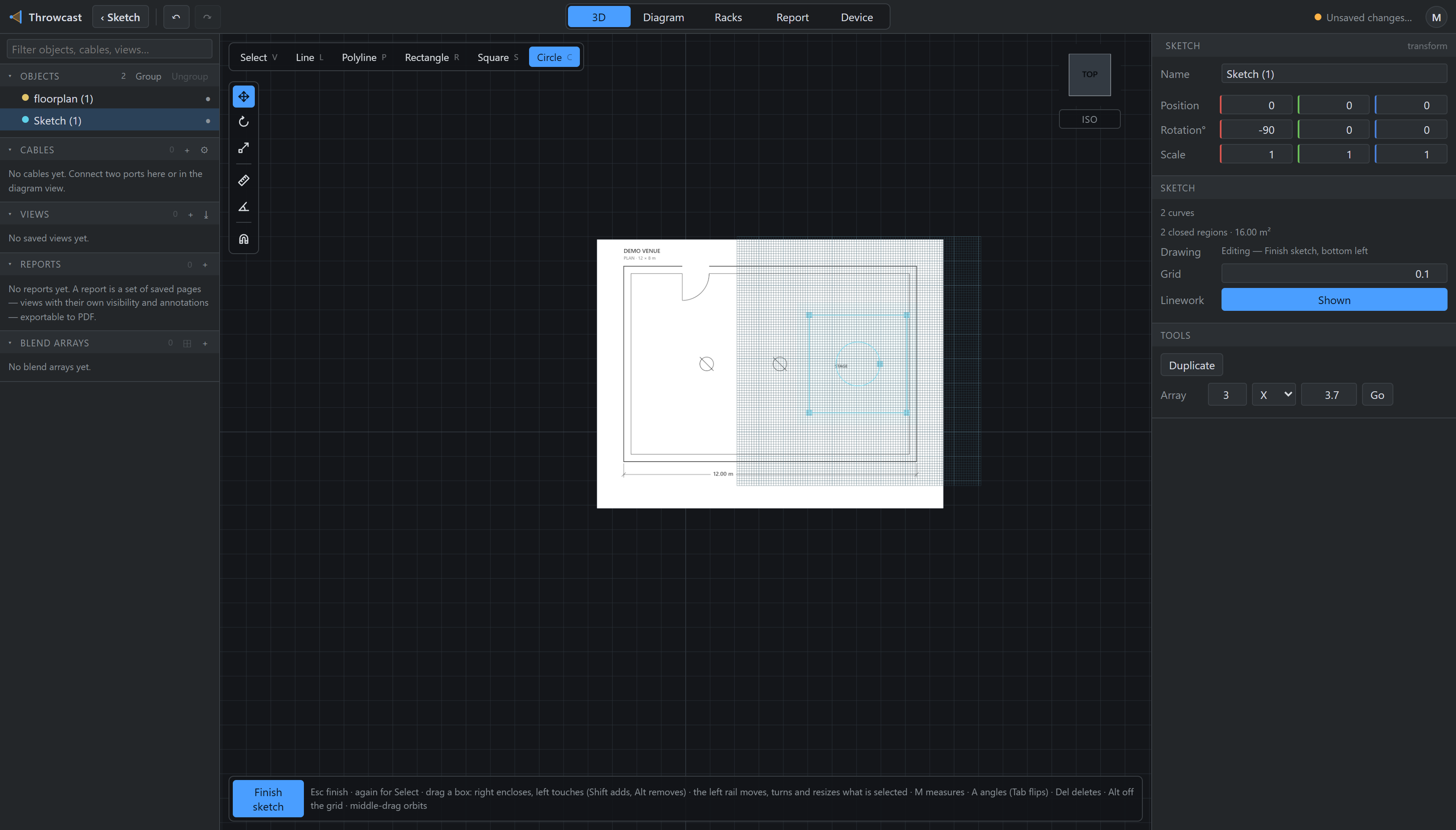
Regions are worked out from the lines, never stored, and two consequences are worth knowing. Regions tile the drawing: a circle inside a rectangle gives you both the plate with a bore in it and the disc filling that bore, so either can be pushed up. And crossing is not joining — two rectangles that merely overlap are two regions, not three. An intersection counts only where the drawing says so with a shared point, which is the same rule as two tray runs that cross without touching.