1.3 Projects
After signing in you land on your projects. Each card is one project; open one by double-clicking it. New project asks for a name and creates an empty scene.
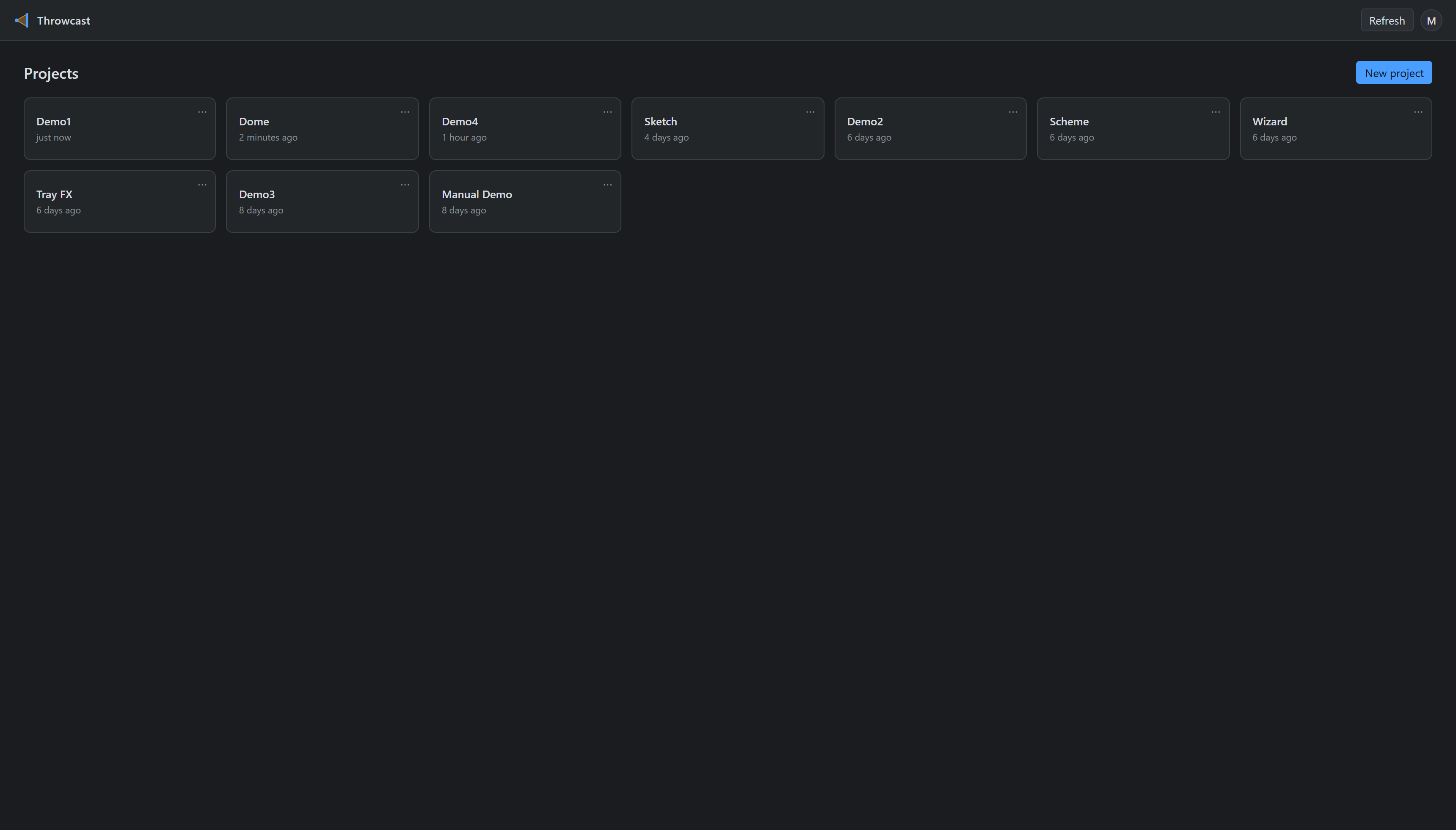
Inside the editor, the chip at the top left — ‹ Demo1 in the figures throughout this manual — takes you back here. Leaving a project unmounts the 3D viewport entirely, which is what frees the graphics memory a large venue was using.