1.2 Signing in
Throwcast opens on a sign-in card. Enter an email address and a password.
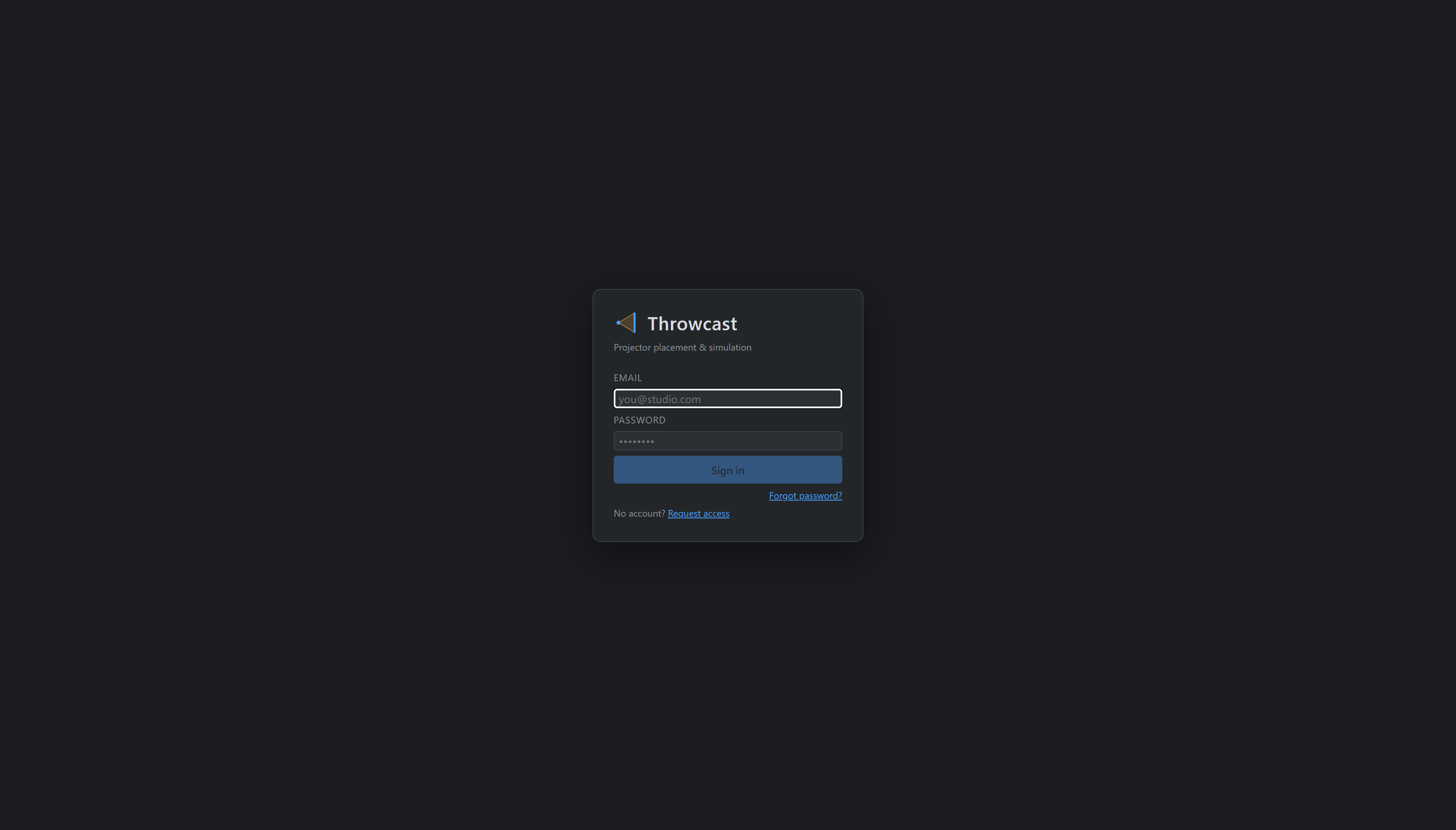
There is no password reset and no “sign in with…”. An unknown email address creates an account rather than reporting an error — so a typo in your address signs you into a new, empty account rather than telling you the password was wrong. If your projects are missing, check the address first. (On a server where sign-ups have been closed, an unknown address is simply refused and you arrive by invitation instead.)
Arriving by invitation
An invitation email carries a single-use link that signs you straight in. Because that link is spent as soon as it is followed, the first thing you see is Choose a password — set one now so you can sign in again later.
The dialog will not be dismissed until a password exists: clicking outside it, pressing Esc, opening a new tab and reloading all leave it up, because dismissing it would leave you signed in with no way back once the session ends. It disappears for good the moment you save one.