11.2 What a report is
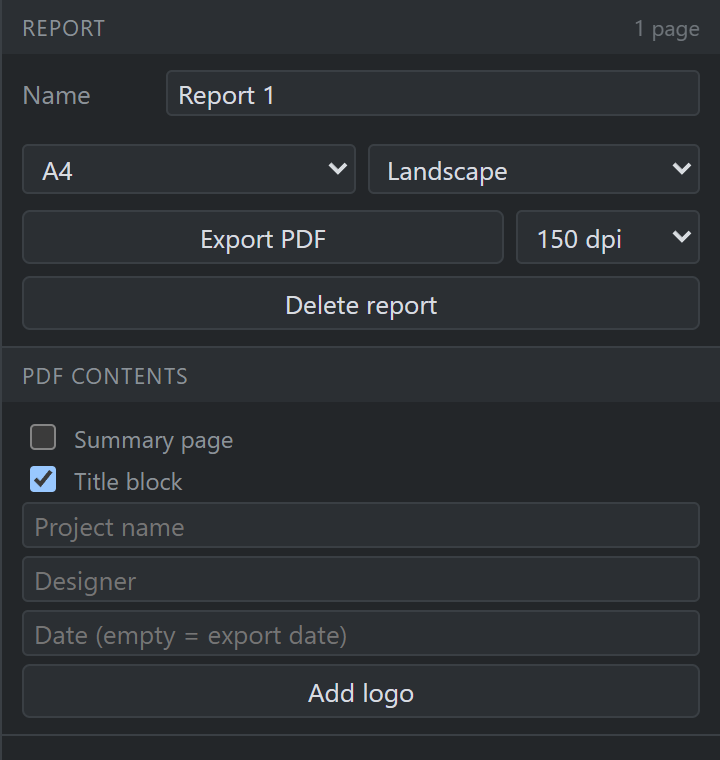
A report is a set of pages, and a page is a sheet of paper you arrange content blocks on — a 3D view, a paragraph, the cable schedule, a rack elevation. One of those blocks is a frozen view of the venue, which is what a whole page used to be; now it is one thing a page can hold, at whatever size you drag it to, beside the tables that explain it.
| Block | What it puts on the paper |
|---|---|
| 3D view | A frozen view of the venue — camera, display settings, hidden set and annotations (§11.4) |
| Text | Headings, paragraphs and lists (§11.6) |
| Cable schedule | Every run, its ends, its length to order (§11.7) |
| Equipment list | What is in the rig, how many, and where (§11.7) |
| Rack | A front elevation of one rack (§11.8) |
| Diagram | The 2D signal diagram, or one named section of it (§11.8) |
| Blend array | One array’s projectors and the seams between them (§11.8) |
The + on a report row adds an empty sheet. Pages made before sheets existed open as sheets carrying one full-bleed 3D view block: the same camera, the same crop, the same PDF. (A page that had lost its camera opens empty instead — there is no honest default for where a drawing was framed from, and guessing one prints a picture of somewhere nobody chose.)