6.3 Content preview
Switch to Content and each projector projects an image instead of a colour. With no image loaded you get a test card whose corner markers land exactly on the frustum corners, so keystone stretch is visible directly.
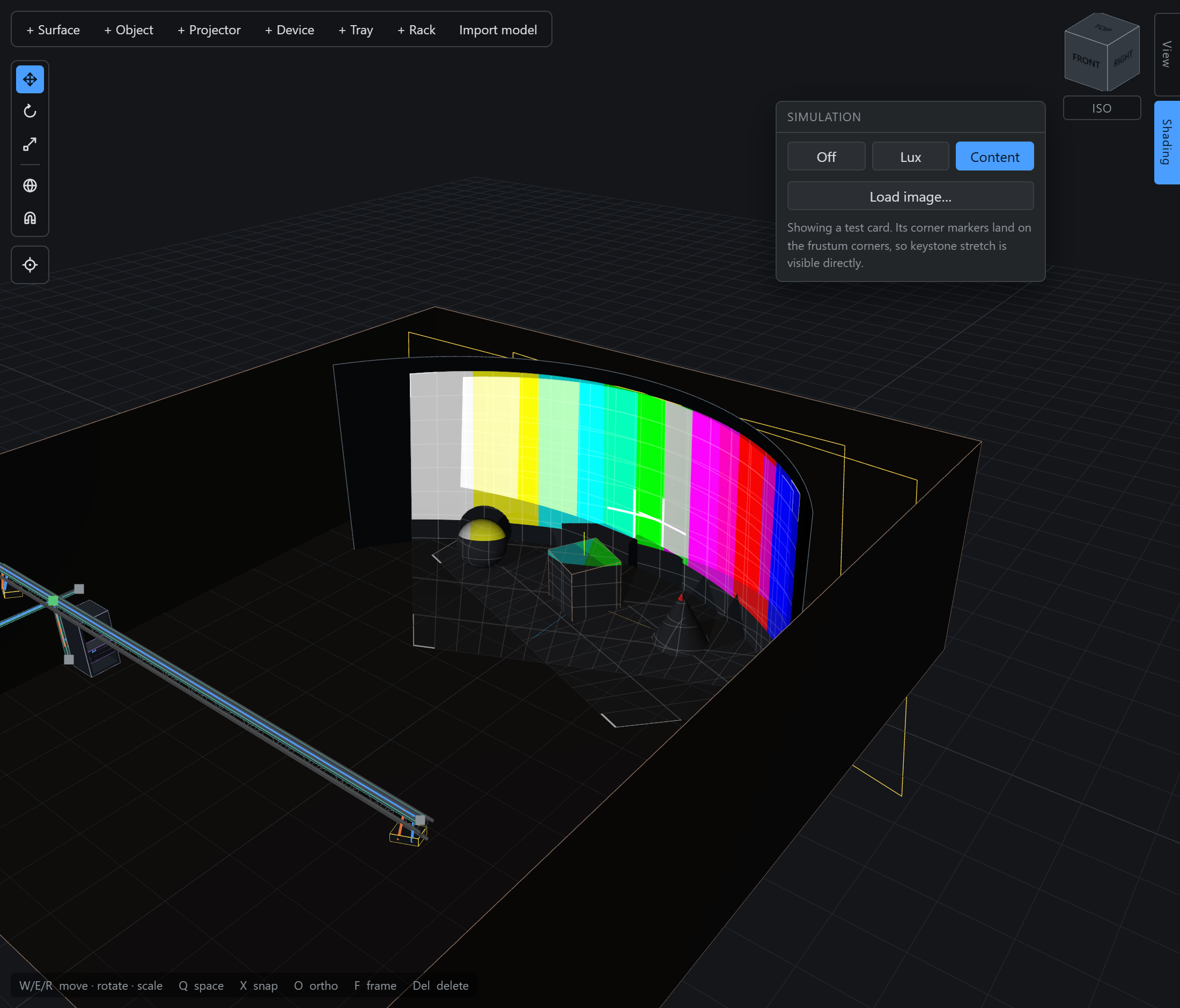
Load image… replaces the test card with your own still. The image is stored by content hash rather than inside the project, so a large still does not get re-uploaded every time you nudge a projector.