3.3 Projection surfaces
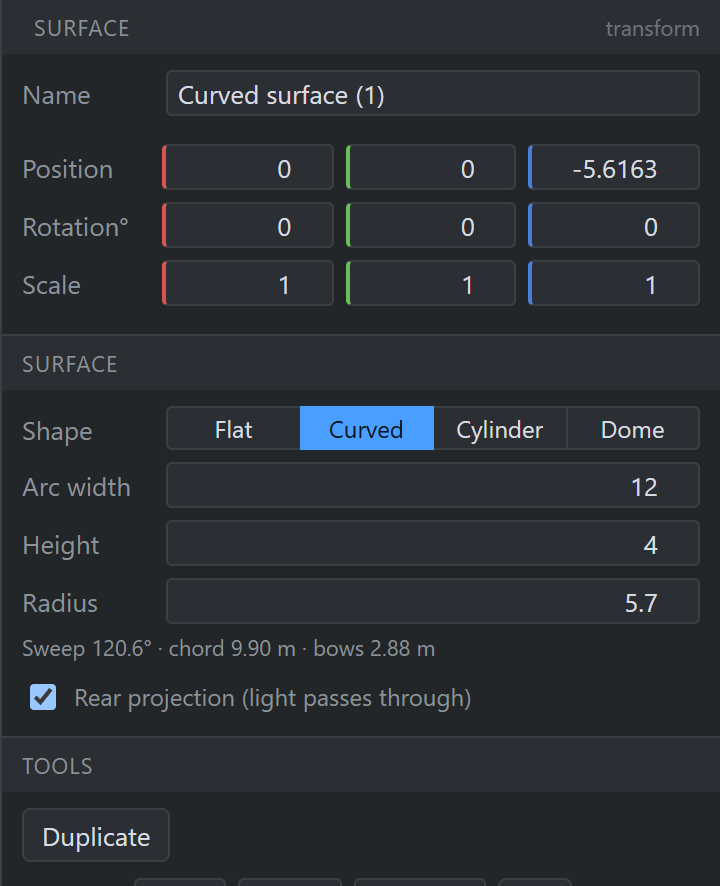
+ Surface asks the same way. A surface is a screen: its width is measured along the surface rather than across it, and it can be made rear-projection.
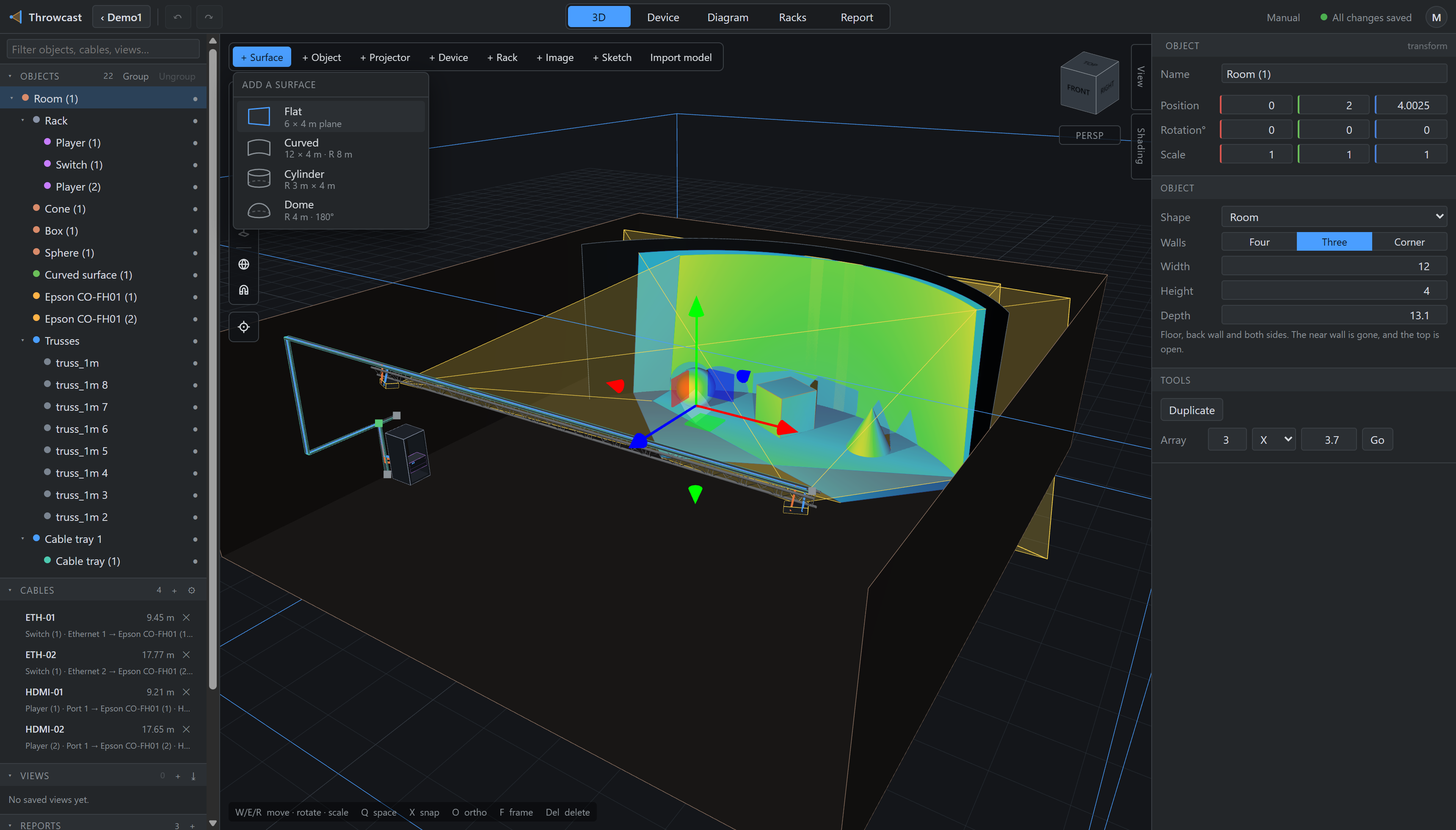
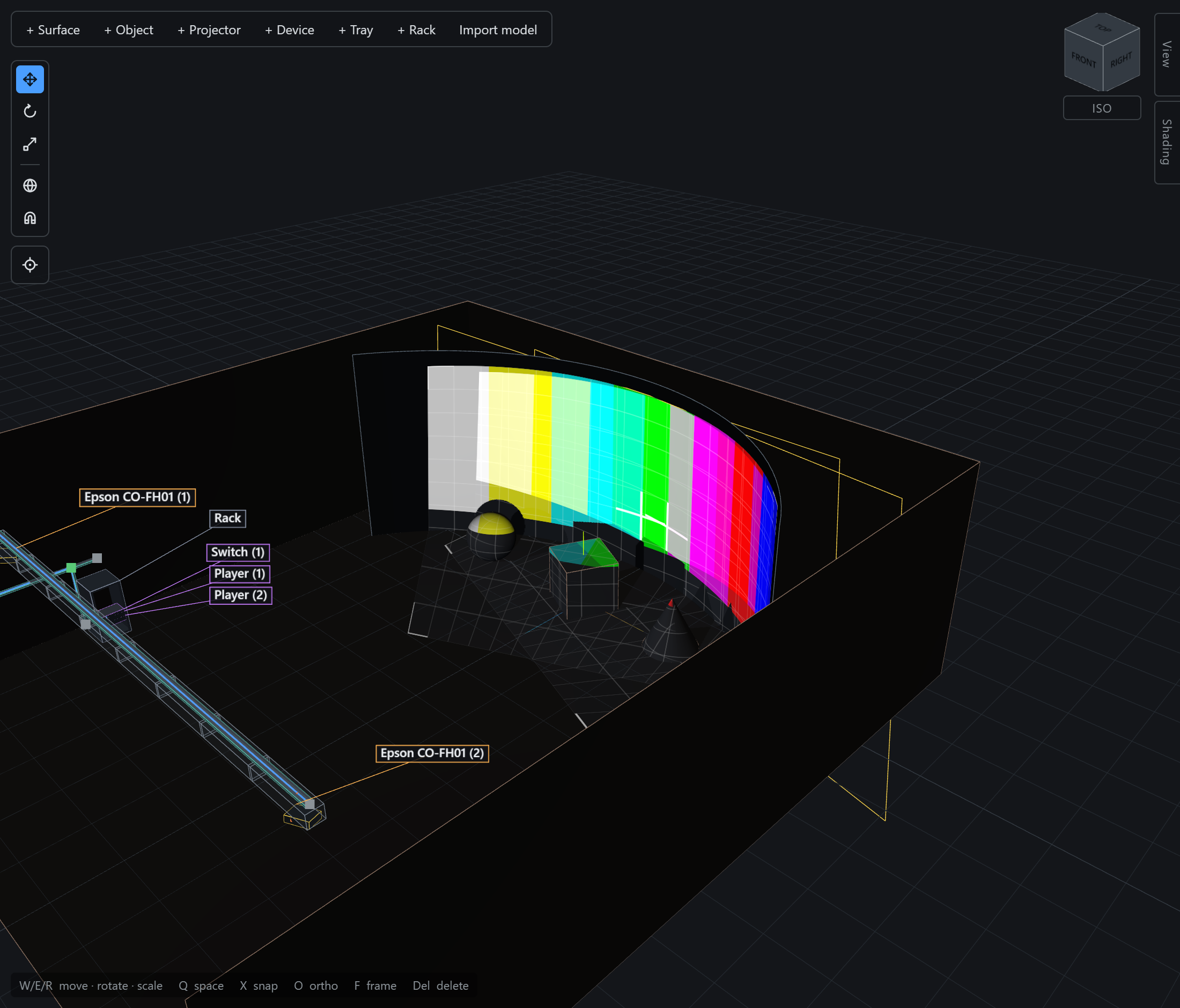
The shape can be changed at any time from the inspector, and doing so keeps the surface’s position, name and any annotations pinned to it.
Switching shape conserves width — how much screen you have never changes.
Only the radius moves, because a closed tube holding a given width of screen has exactly one
radius (width / 2π). A cylinder therefore shows you a radius field rather than a
width field that would snap back.
Domes
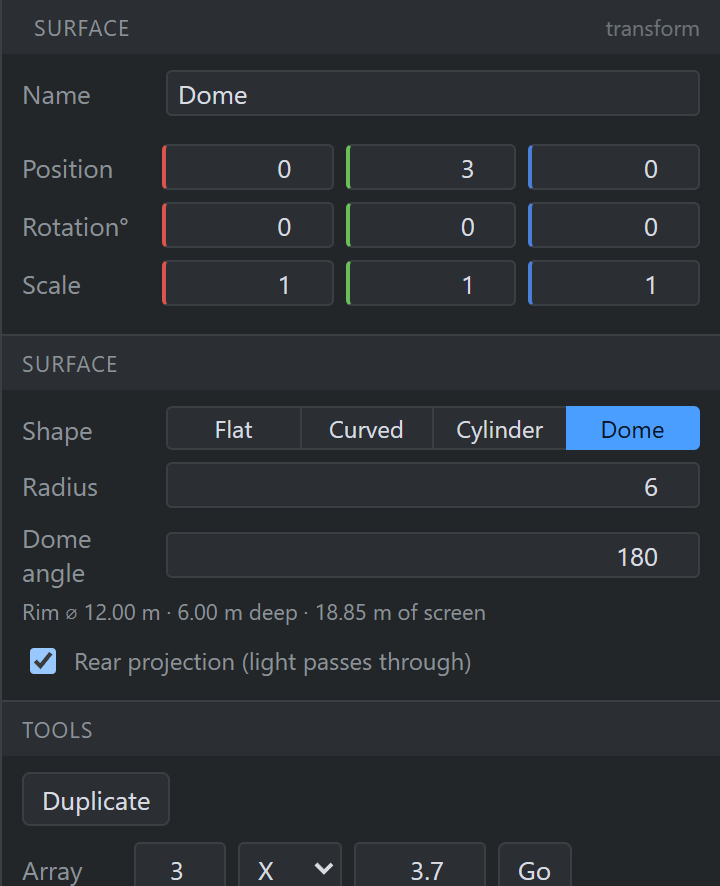
A Dome is the curved screen swept round rather than extruded: a planetarium. It is described by two numbers — its radius and its dome angle, which is the angle the trade quotes. 180° is a hemisphere; more than that is an overshoot dome, wrapping below the spring line to a narrower rim; 360° closes it into a sphere, at exactly the width that closes a cylinder. Under the two fields the inspector reads back the rim diameter, how deep the bowl is, and how much screen that comes to.
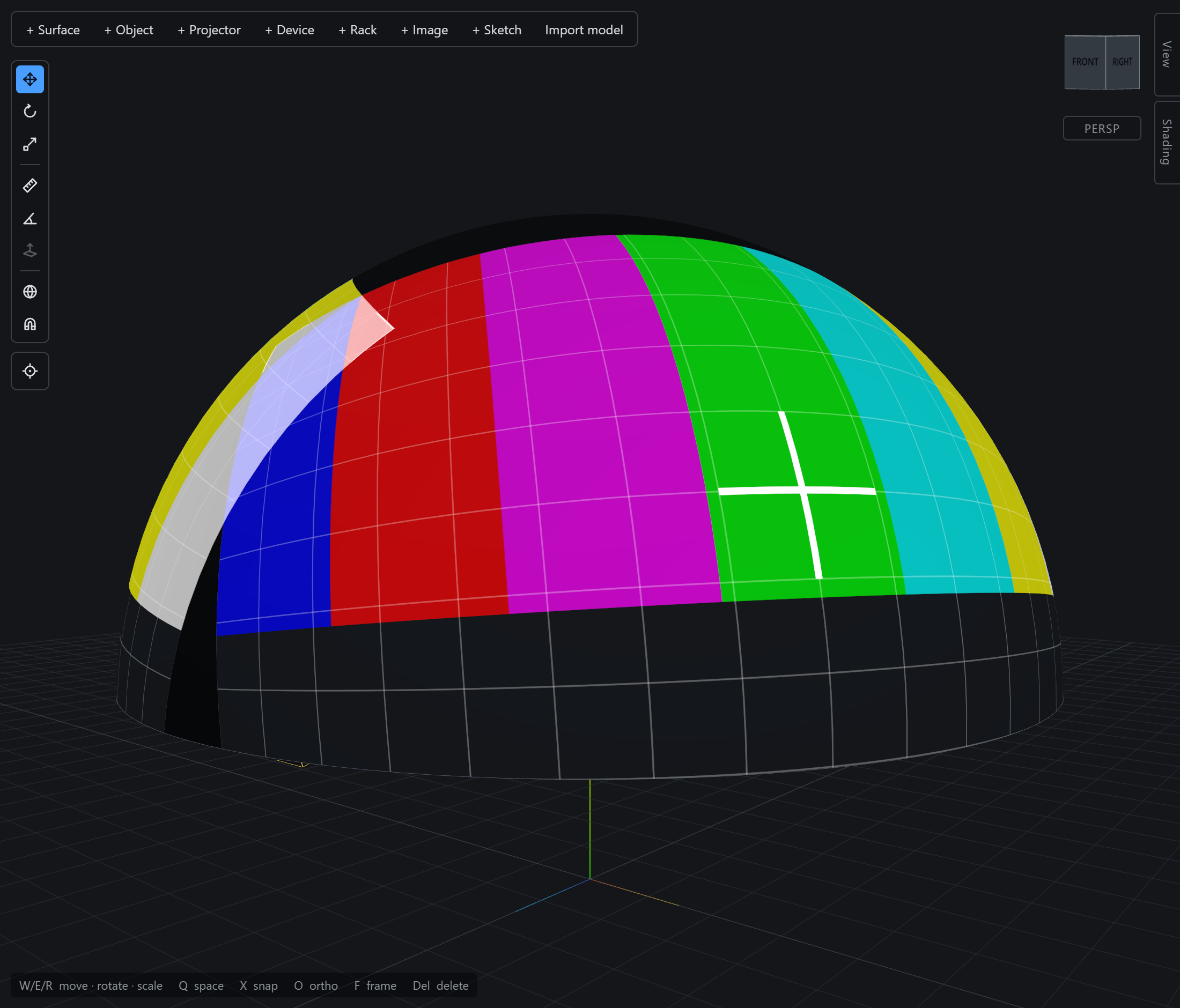
A dome is placed by its centre, not its skin — as a cylinder is placed by its axis. The object’s origin is the centre of curvature, with the zenith straight up from it, which is where the audience sits and where a survey works from. So a tilted dome is just the object rotated, tilting about the point it really tilts about, and a dome of radius r sits exactly on a cylinder of radius r if you want a silo. Height is not a dome’s to set — a surface of revolution has none — so that field is hidden, and the value comes back if you make the surface flat or curved again.
Everything else is unchanged: a doorway is a cutter pushed through it, the heatmap and content preview land on it, the probe reads it, and metrics fit a tangent plane at the point the beam hits.
Rear projection
A surface is opaque by default: it catches light on the face turned toward each projector, and you see that light only from the same side. Turning that off makes it a rear-projection screen — light passes through, and any projector lights the face you are looking at. Occlusion does not change either way; a screen blocks light from both sides regardless of which face shows the image.