8.2 Cables in 3D
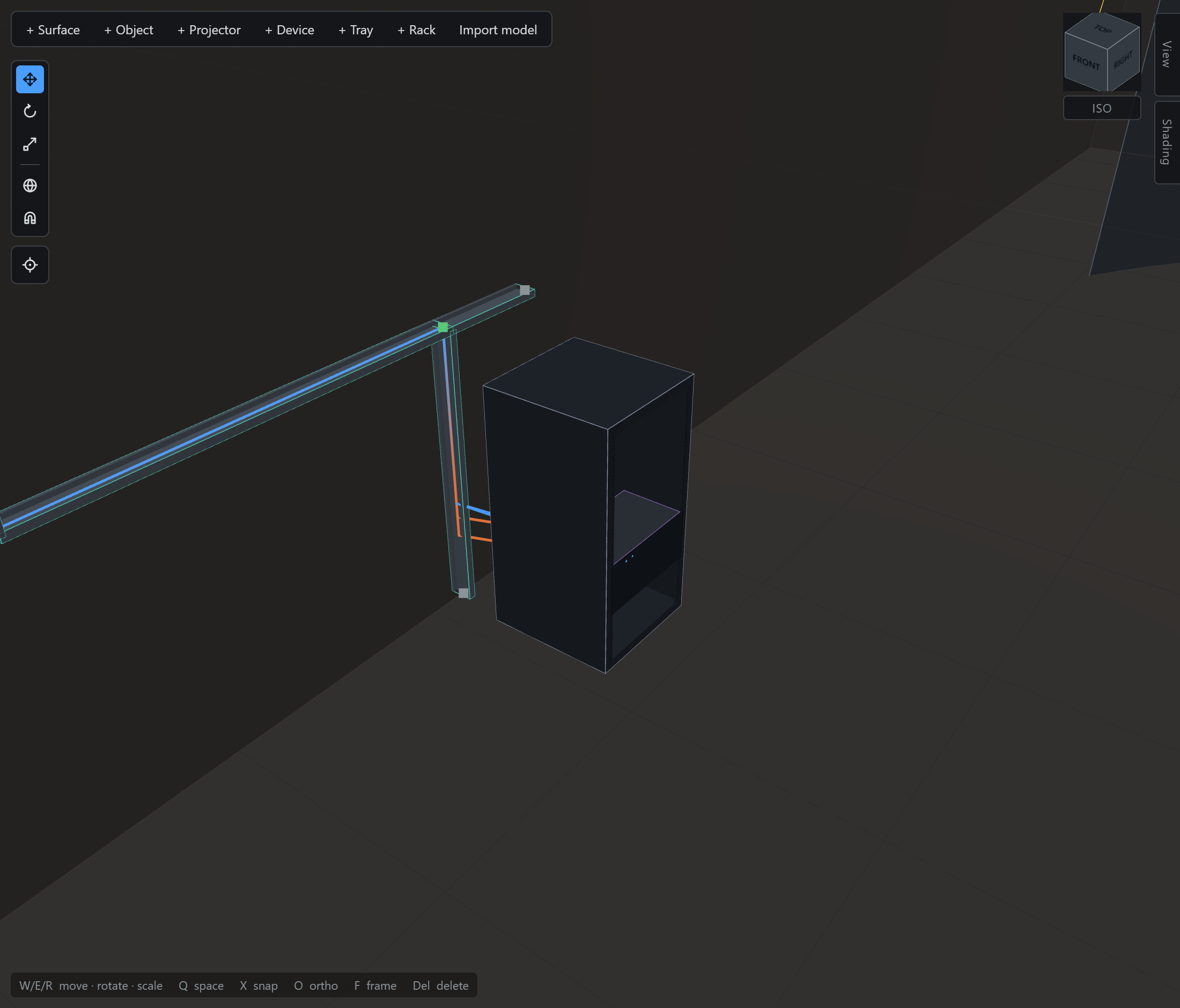
Click a cable to select it; click again to insert a waypoint, which you then drag with the normal gizmo. Waypoints are world-space on purpose: a cable route is a fact about the building. The ends follow their devices; the dressed middle stays where you put it.
Every cable reports a live length — the routed polyline plus a slack percentage. The project default for slack is set from the ⚙ in the Cables section header; an individual cable can override it.
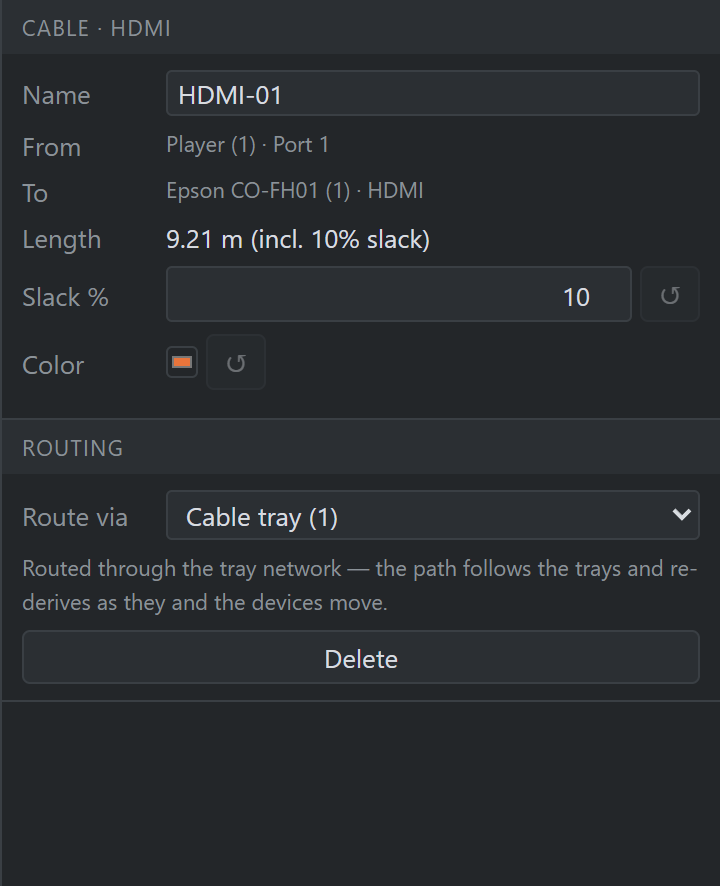
Ctrl-click adds to the selection in all three places a cable can be picked — the browser list, the run in 3D, and the edge in the diagram — and every selected cable draws selected, not just the last one. Slack, Colour and Route via then write to the whole selection, dashed where they disagree (§2.4), as do Clear waypoints and Delete: one undo entry each.
What stays singular is what can only be singular. The name and the waypoints belong to one run; From and To read —, and Length totals the selection, counting any unplaced ends beside the total rather than folding them into it. A modifier-click on a run in the viewport therefore adds to the selection instead of inserting a waypoint.