9.2 Shaping a run
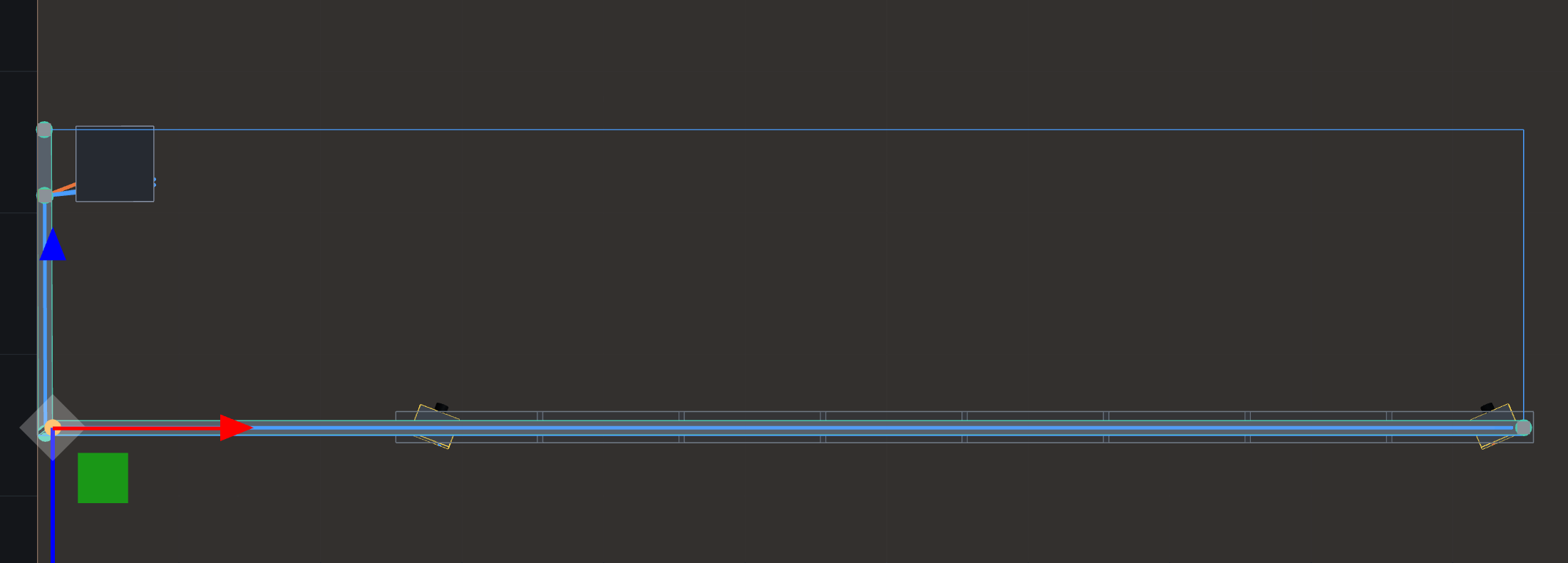
Select a tray and every point wears a small sphere. What the gizmo moves depends on what you have hold of, most specific first:
- A point — click its sphere. Dragging it re-aims every stretch touching it, and the point snaps onto other tray points and centrelines in reach, which is what makes a connection exact rather than eyeballed.
- A stretch — click the steel. The stretch moves rigidly — both its points together — and its neighbours re-aim to stay connected. Del removes it.
- The whole network — select the tray with nothing sub-selected: from the object list, or Esc to step back out.