9.1 A tray is a network
A tray object stores points and the stretches between them; every stretch draws with the network’s width and side-rail height. A corner is two stretches sharing a point, and a tee is a point where three meet — geometry inside one object, not separate objects lined up. + Object ▸ Cable tray drops a single 3 m stretch overhead; everything after that is shaped from its points.
One object is one connected network. An edit that brings two trays into contact fuses them into one object; deleting the stretch that bridged a network splits it back into one object per piece, and any routed cable follows the piece nearest its ends. The object list always mirrors what is physically connected — there is no link to create and nothing to go stale after an undo. Either way it is a single undo step.
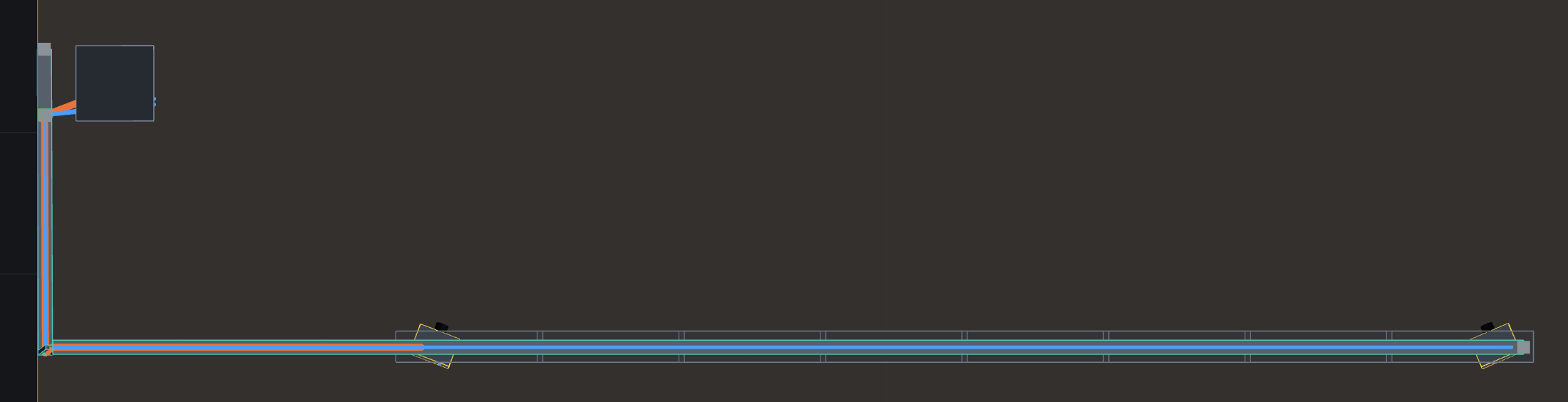
The dots and the drag handles go away with the tray: hide a run — with its own eye, with an ancestor’s, or with a report page’s per-view hide (§11.4) — and its graphics go too, rather than hanging in front of the venue over a run that is no longer drawn.