11.5 Drawing mode
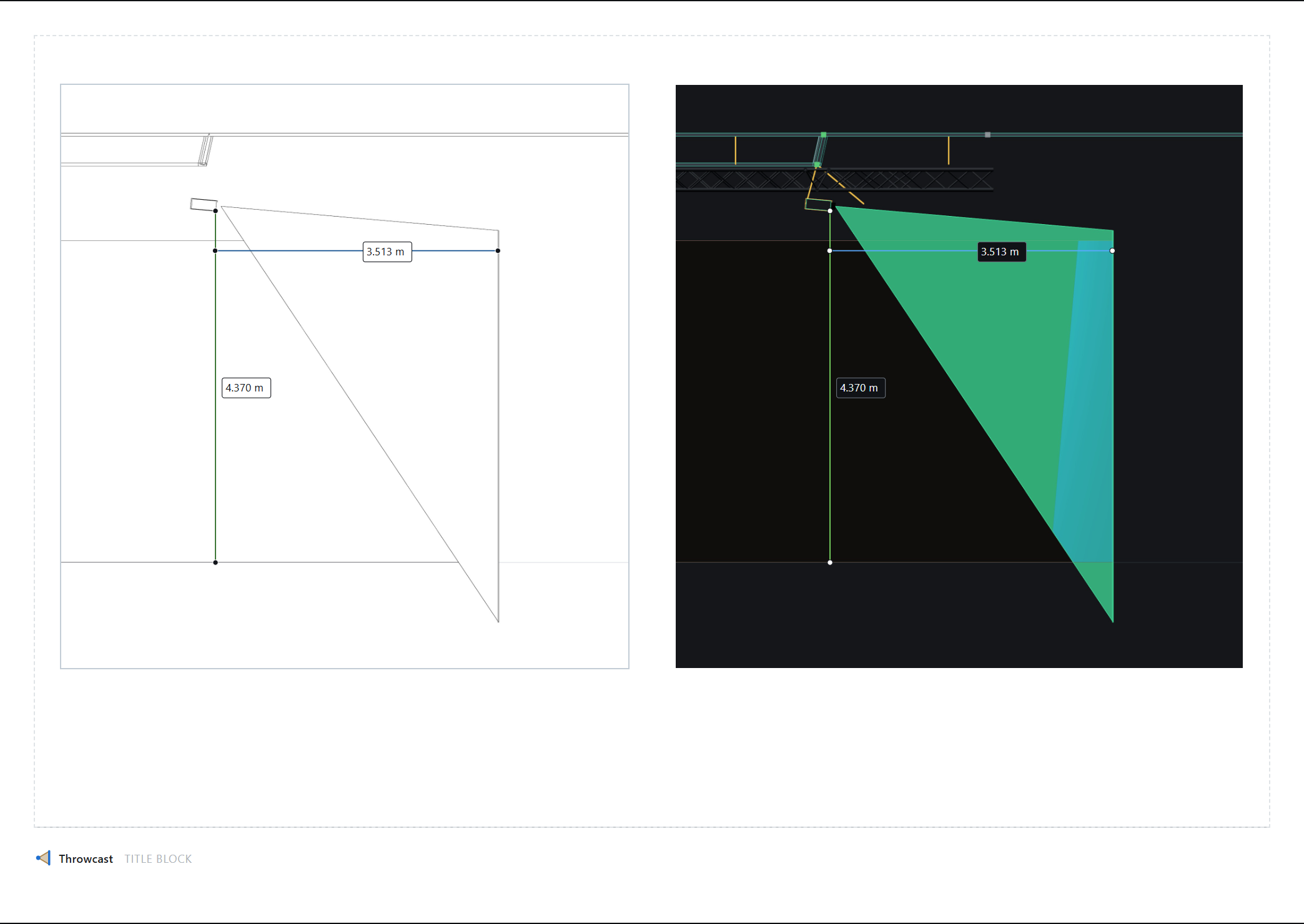
View ▸ Drawing renders the venue as a technical drawing: black edges on white paper, no shading and no colour. A shaded render shows a room; a drawing shows dimensions and relationships, prints legibly in black and white, photocopies, and takes a pencil.
It is frozen into a view block like any other display setting, so one page can carry a shaded render and a line drawing of the same rig side by side, each block printing in its own mode.
The button appears only while a view block is being framed, which is the one moment the setting has something to attach to. A drawing is a way of presenting rather than a way of working; in the 3D tab it would be a mode you could leave switched on with nothing on screen to say why the room had gone white. Leaving the framing session puts the viewport back to shaded, and — alone among the display toggles — it is not remembered between sessions.
Hidden lines are removed properly: the geometry is drawn white on white to write depth, and the edges are drawn over it depth-tested against that, so a beam stops where the surface hides it. The floor grid and the world axes go first and pale, as construction lines — at full ink the grid is by far the heaviest thing on the sheet and buries the rig it sits under.
Two things to know. Imported CAD arrives as shaded triangles with no edges, so Throwcast generates them; everything the app builds itself already outlines at the crease angle it was drawn with. And the in-scene name chips do not appear in a drawing — they are bitmaps in the app’s dark palette. A view’s own Labels are unaffected: those are vectors drawn over the picture by the annotation layer.