6.1 Shading modes
Open the Shading edge tab.
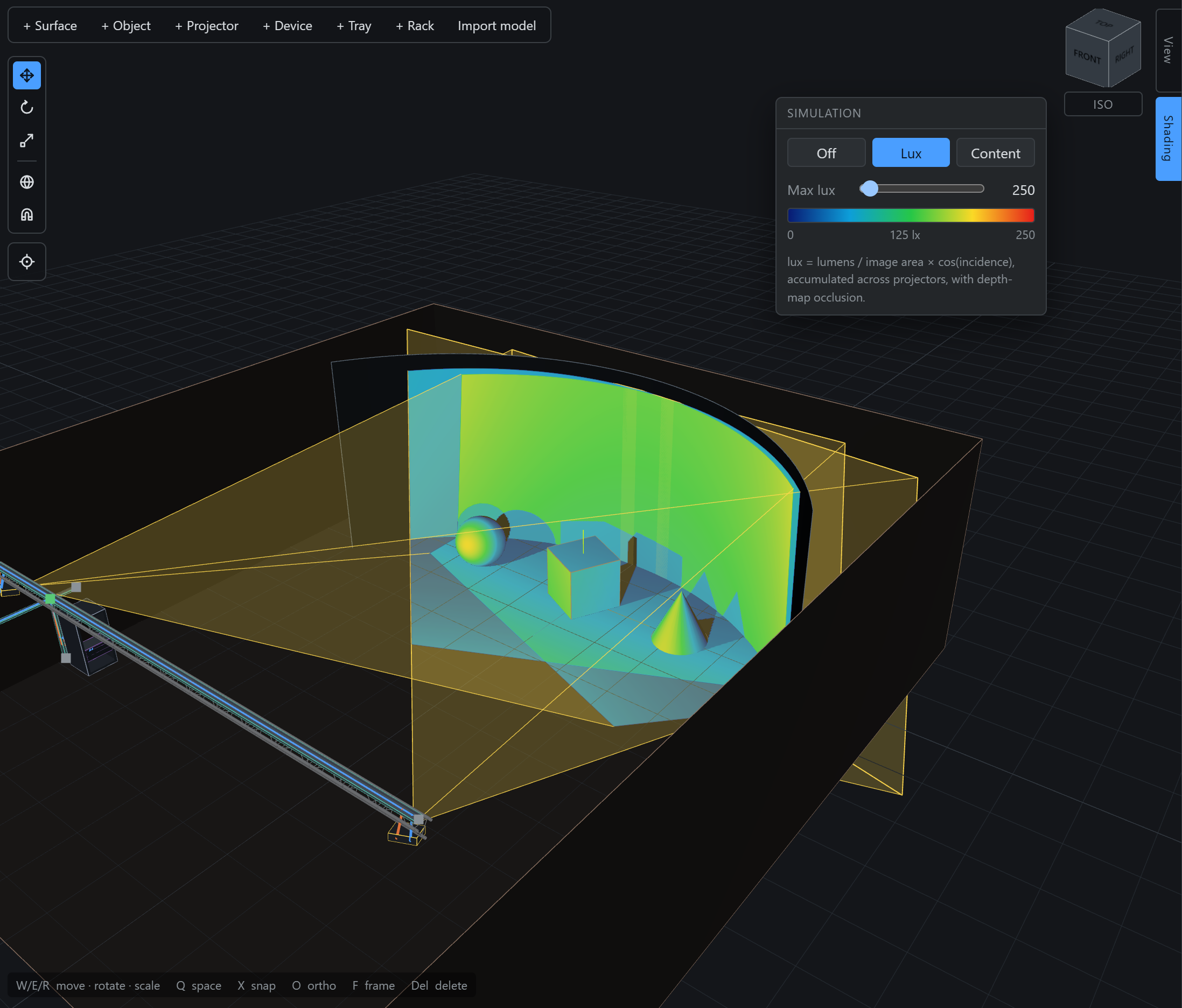
- Mode — Off, Lux, or Content.
- Max lux — the top of the colour scale, 100 to 5000.
- Legend — the colour ramp with its numbers.
- The formula — stated on the panel, so the picture is never a mystery.
- The tab — lit because the panel is open, not because a mode is on.