6.5 The hover probe
Turn the probe on from the rail on the left of the viewport, then move the cursor over any surface.
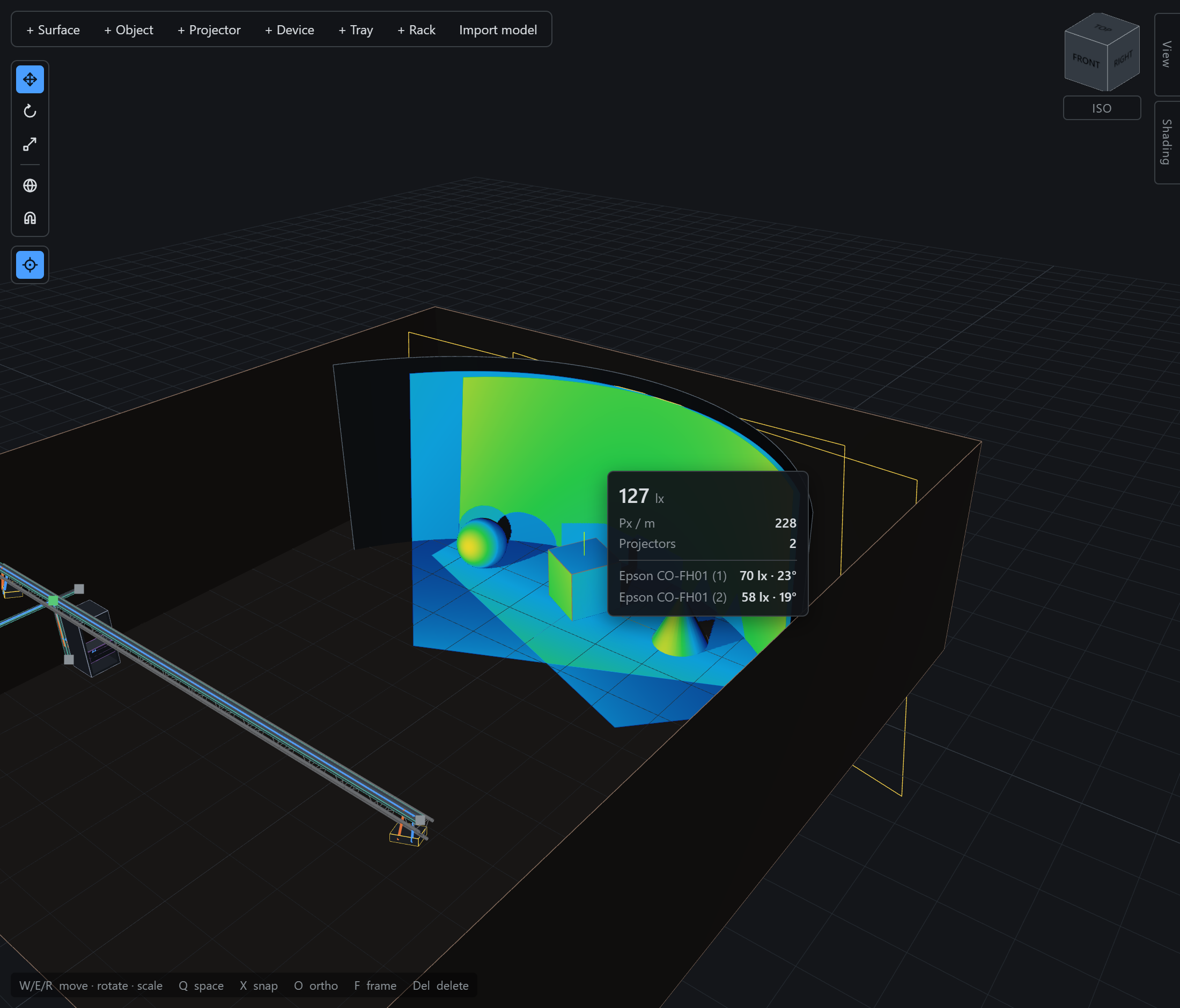
The per-projector breakdown is the useful part. In a blend it tells you how the total is being split; on a spill it tells you which machine is responsible.
Where nothing reaches, the probe says No light reaches this point rather than reporting zero — a shadow and an unlit surface are different problems.