10.2 Mounting devices
A device is mountable if its definition says it is rackmount, which is set in the Device tab along with its height in U and its depth. There are two ways to mount one:
- In the object tree — drag the device row onto the rack row. Racks take no insertion line, so a drop inside one becomes a drop onto it.
- In Racks mode — drag from the palette into a free slot.
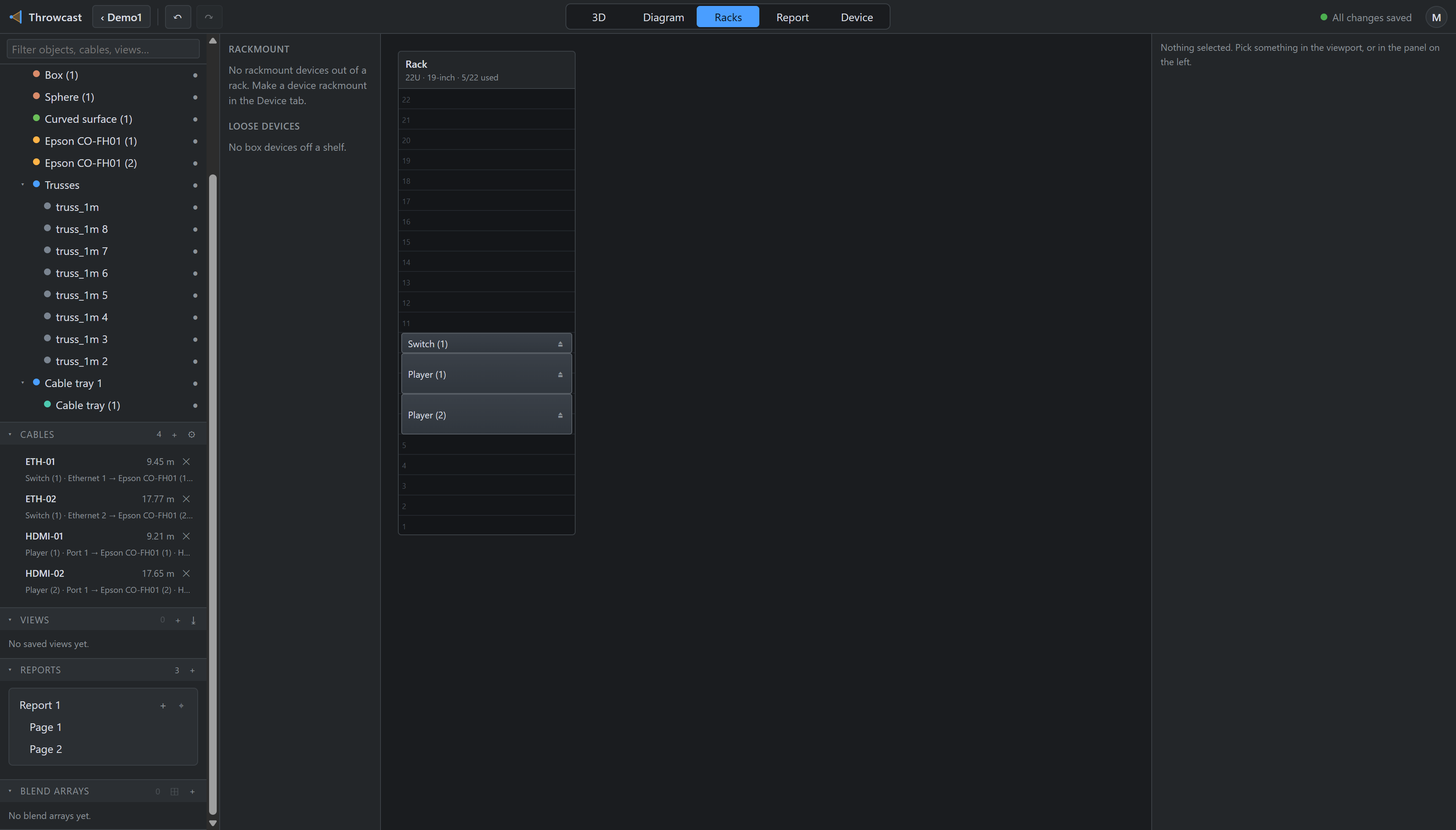
22U · 19-inch · 5/22 used — a 1 U switch and two 2 U players.A mounted device becomes an ordinary child of the rack, carrying the slot it occupies. Its position is derived from that slot and rewritten whenever the mount changes — the slot is the editing handle, the position is what gets drawn. Moving the rack moves everything in it.
Shrinking a rack
A rack will not shrink below its highest occupied slot. The inspector says so — “can’t shrink below 6 U — a device is mounted up to there” — rather than silently dropping the device.